
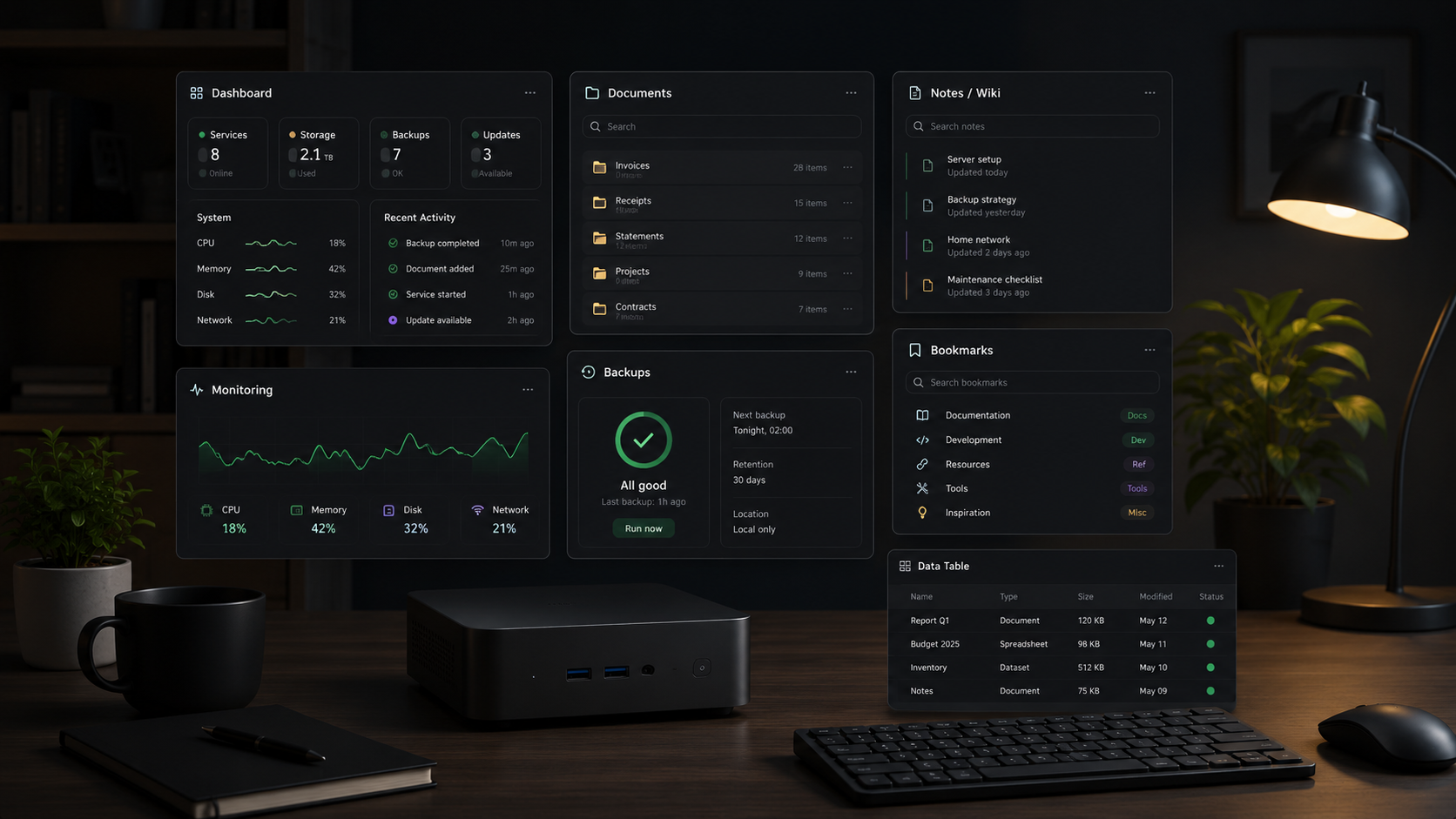
I have been adding a number of small tools to my home server.
Some of them are very practical. Some started as experiments. A few have already become part of how I keep track of everyday digital things.
It is not one big platform. It is more like a small toolbox.
There is a place for documents. A place for links. A place for notes. A place for backups. A place to see whether services are running. A few tools for files, PDFs, photos, tasks, household information and small automations.
None of it is especially dramatic. That is probably why I like it.
The useful part is the small friction it removes
The best tools on the server are the ones I actually return to.
Paperwork is easier when documents can be stored and searched properly. Links are easier to reuse when they do not disappear into browser bookmarks. Notes are easier to trust when they have a fixed place. Backups are easier to take seriously when they are visible. Monitoring is useful because it removes a bit of guessing.
It is mostly small things. But small things add up when they are repeated often enough.
What I like about this setup
The nice part is that each service has a small role.
One tool does not have to solve everything. A dashboard can just be a dashboard. A document tool can just handle documents. A wiki can just hold notes. A backup tool can just make backups easier to see and manage.
That makes the setup easier to use. It also makes it easier to notice which tools are actually useful, and which ones were mostly interesting to try.
It also makes software more tangible
Running tools this way makes the invisible parts of software more visible.
You start noticing where the data lives, what needs backup, what should be documented, what is worth keeping and what is just interesting for a weekend.
That has been one of the more useful parts of the project. Not the tools alone, but the better understanding of what makes a tool useful after the installation is done.
Not everything needs to stay
Some services are clearly useful. Others are more experimental.
That is fine. A home server is a good place to try things without turning every idea into a permanent system.
Some tools stay because they solve a real problem. Some stay because they are nice to have. Some disappear again because they add more maintenance than value.
A few practical notes
- Start with tools that solve a small, real problem.
- Keep dashboards and overviews clean enough to actually use.
- Write down what each service is for before the setup grows too much.
- Be careful with tools that store important or sensitive data.
- Make sure useful services are backed up before they become important.
This mini series
I want to write a few short notes about the services I use and what they are useful for in practice.
Not installation guides. Not deep technical walkthroughs. Just small reviews from actual use.
The first ones will probably cover dashboards, documents, monitoring, backups, links and notes.
Those are not always the most exciting categories of software, but they are the ones that often make a home server feel genuinely useful.
Articles in this series