
Paperless-ngx is one of the most practical tools I run on my home server.
It is a self-hosted document management system for storing, organizing and searching documents. The project is available here: docs.paperless-ngx.com.
I use it as a place for documents that I want to find again later: receipts, invoices, letters, housing documents, manuals and other PDFs that would otherwise end up across email, downloads and folders.
What I use it for
- Invoices and receipts.
- Housing-related documents.
- Insurance papers.
- Product manuals.
- Scanned letters.
- Documents I know I may need again.
The main benefit is search. Once documents are added properly, I do not have to remember the exact folder, filename or email thread. I can search for words, dates, tags, correspondents or document types.
That sounds small, but it removes a lot of everyday friction.
What works well
Paperless-ngx is good at turning a pile of documents into something more usable.
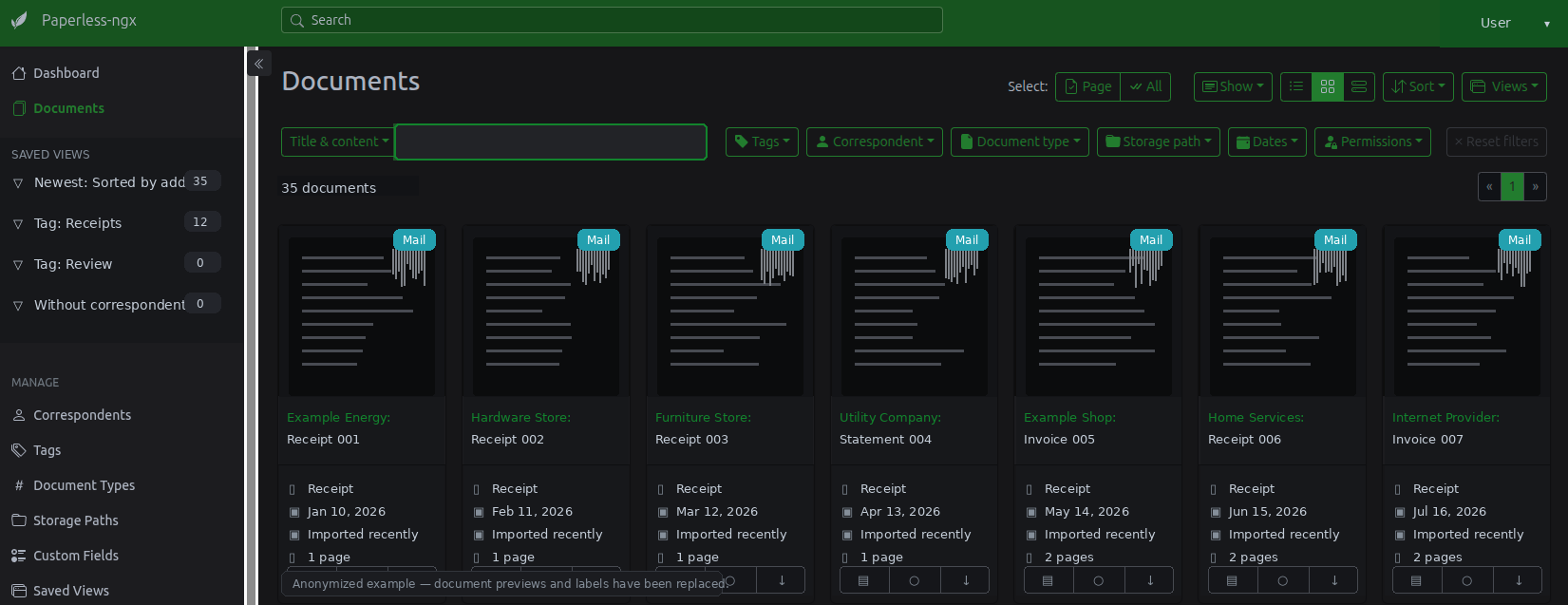
The web interface is clean enough for regular use, and the document view makes it easy to see the file, metadata and text in one place. Tags, document types and correspondents help keep things organized without needing a complicated folder structure.
I also like that it fits a very normal use case. Everyone has documents. Most people have too many places where those documents can hide.
A useful feature: forwarding documents by email
One feature I especially like is the option to use an email inbox for documents.
For example, receipts, invoices or confirmations can be forwarded to a dedicated mailbox and then imported into Paperless-ngx. That makes it easier to capture documents at the moment they arrive, instead of downloading files, renaming them and uploading them manually later.
It is a small workflow, but it fits very well with how documents actually arrive today. Many important files do not start as scanned paper. They arrive as PDF attachments in email.
What I would keep simple
I would not try to build a perfect archive from day one.
Start with one category of documents and see if the system becomes useful. For me, the most obvious place to start is documents I may need to find again later: invoices, contracts, housing papers, insurance papers and receipts for larger purchases.
It is better to have a simple archive that is actually used than a complicated taxonomy that becomes annoying to maintain.
A few practical tips
- Use a small set of tags at first.
- Create document types for broad categories, not every tiny variation.
- Keep naming and metadata simple enough that you will actually use it.
- Check that important documents are included in backup.
- Test that you can find a document again using search, not only by browsing.
What to be careful with
Paperless-ngx can quickly become important if you start storing real documents in it.
That is a good sign, but it also means it should not be treated like a throwaway experiment. Documents can contain personal, financial and practical information, so access and backup matter.
I also think it is worth being realistic about how much structure you want. Too little structure can become messy, but too much structure makes the tool feel like admin work.
Verdict
Paperless-ngx is one of the self-hosted tools that makes immediate practical sense.
It does not feel like software for the sake of software. It solves a real problem: documents are easier to store, easier to search and easier to find again.
For me, that makes it one of the most useful services on a home server.